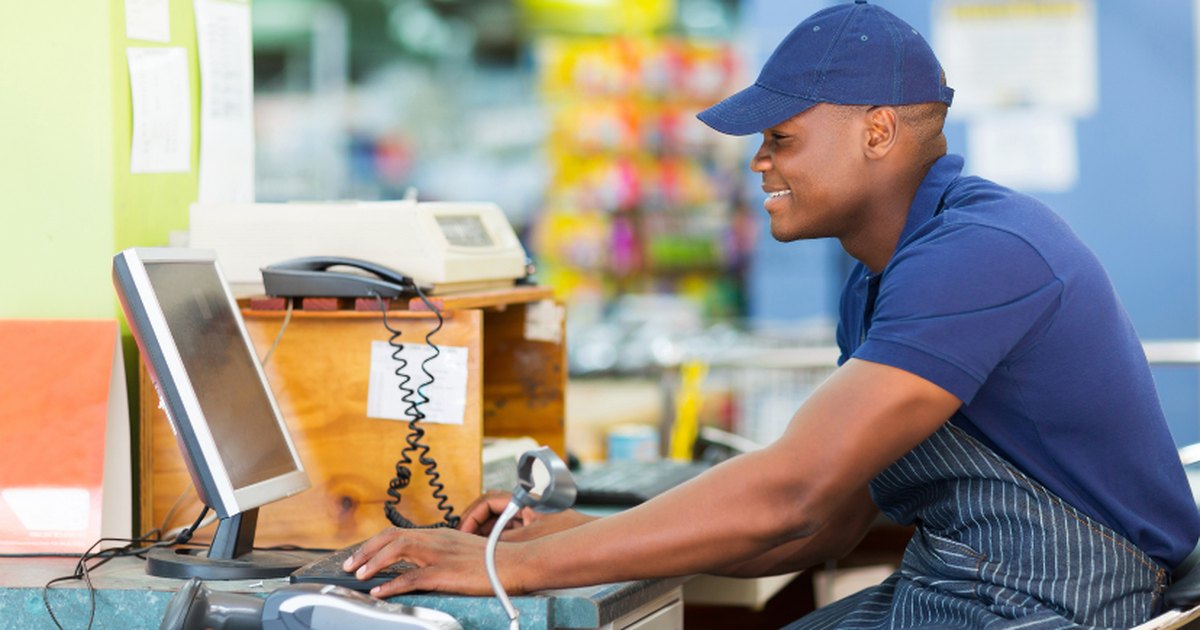
Essential: a device with a browser and internet
A browser-based system like DukaPOS needs one thing to start: the phone, tablet or computer you already have, and an internet connection.
Choose by the work at your counter. A phone is enough for a few sales. If customers queue or you stock many products, a computer or tablet with a bigger screen makes it easier. Because the system needs internet, keep a second route, such as a phone with data, for when your main connection drops.
Receipt printer
Most shops use an 80 mm thermal printer. It needs no ink, its paper comes in rolls and receipts print quickly. DukaPOS prints on standard 80 mm receipt printers.
Before you buy, confirm the printer works with your device. A printer connected to a computer by cable is simple; with a phone or tablet, test it before you pay.
Barcode scanner
A scanner adds speed and cuts the mistake of picking the wrong product. It pays off most in shops with many barcoded items, such as supermarkets and pharmacies. With only a few products, picking on the screen may be enough.
Products without barcodes are not a problem: you can print your own barcode labels from the system.
Cash drawer and other equipment
A cash drawer makes sense when you handle a lot of cash or have more than one cashier, but a lockable box can do at first. What matters more is the habit of counting the cash when a shift closes.
Where power is unreliable, a small UPS or a battery device such as a laptop or tablet keeps the counter running.
Buy in this order
To avoid spending before you need to:
- First: use the device you have and try the system on your own products.
- Second: add a receipt printer if customers need paper receipts.
- Third: add a scanner once most of your products have barcodes.
- Last: a cash drawer and a dedicated computer, when the business calls for them.
How a POS system differs from an EFD machine
These are two things with different jobs. An EFD is an approved device for issuing tax receipts and sending sales data to TRA. A POS system is a tool for running the business: stock, credit, staff and profit.
DukaPOS is not an EFD and is not connected to TRA. Its receipt is a business receipt, not a tax receipt. If your business must issue EFD receipts, keep doing so and use DukaPOS to run the shop.
The law requires anyone supplying goods to issue a fiscal receipt unless excluded, and TRA can bring traders in by type of business or area, so low sales alone do not automatically protect you. Zanzibar has its own rules, and they are stricter for electronic systems.
Tax rules depend on your business and can change, so confirm what applies to you with TRA, ZRA or your tax adviser.
Start with the device you have today, and add the rest as you find you need it.